




A whole new world
of reading awaits
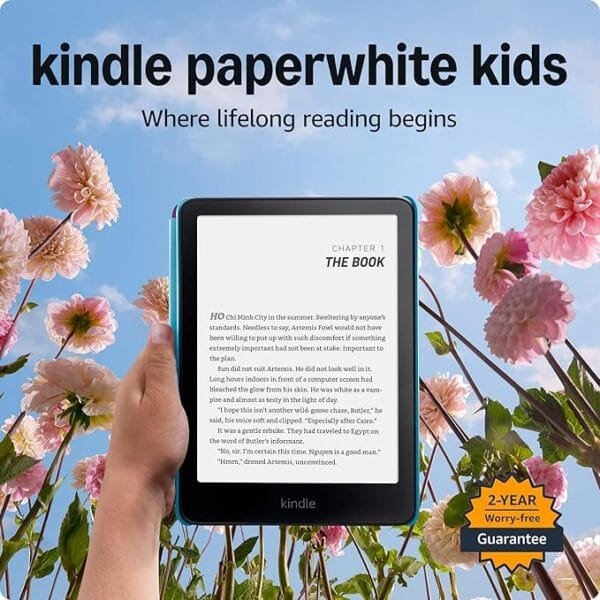
They’ll soon be lifelong readers thanks to the next-generation
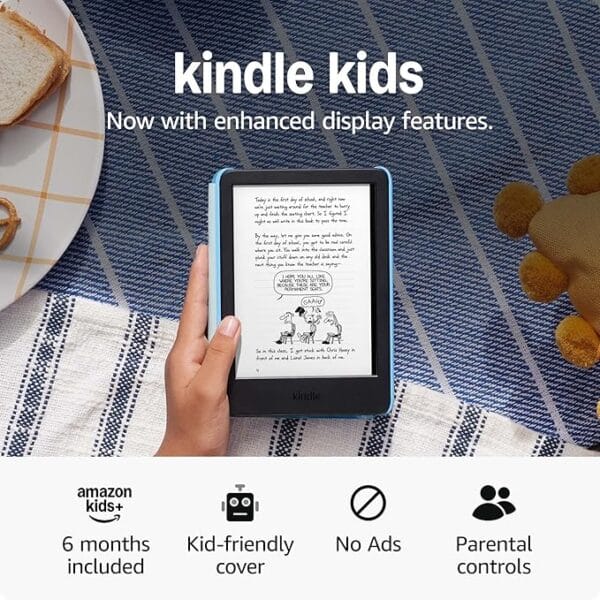
7” Paperwhite display, up to 12 weeks of battery life, and an included 6-month subscription to Amazon Kids+.

An immersive reading experience
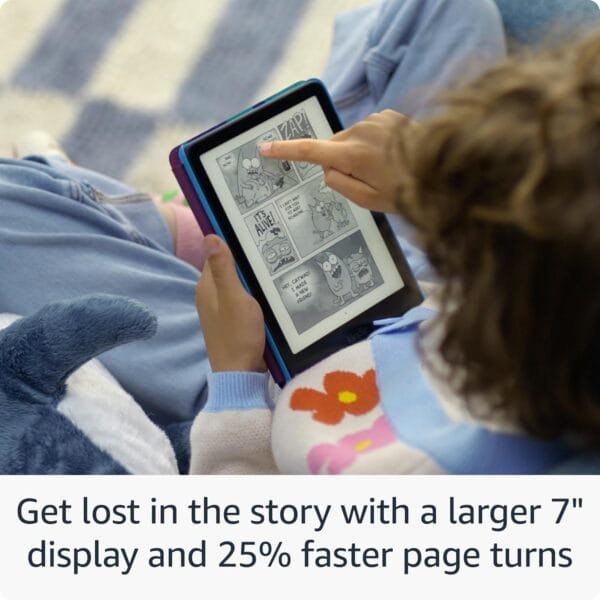
With 25% faster page turns, kids can breeze through chapters and their library faster than ever.

A massive library of kid-friendly fun
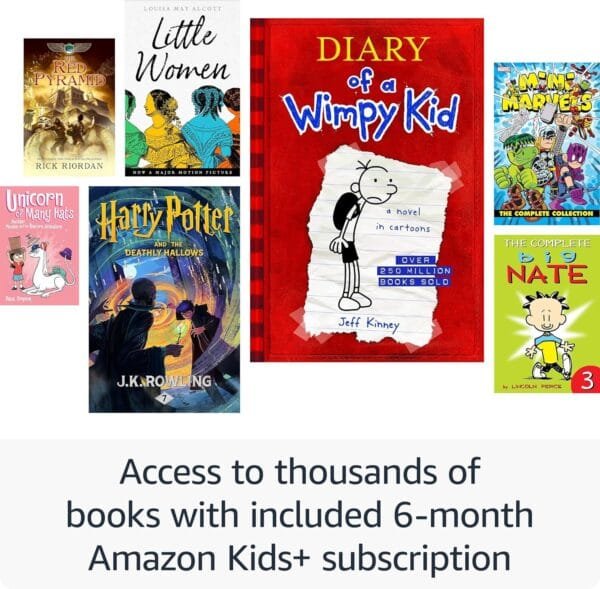
Enjoy 6 months of Amazon Kids+. From timeless reads like Artemis Fowl and Diary of a Wimpy Kid, to popular series like Harry Potter and Big Nate, get unlimited access to a library of curated content for kids of all ages, thousands of books, and hundreds of audiobooks. With an extensive library of age-appropriate books included, kids are empowered to discover new titles, authors, and read for longer.

Get comfy — read easily in any light
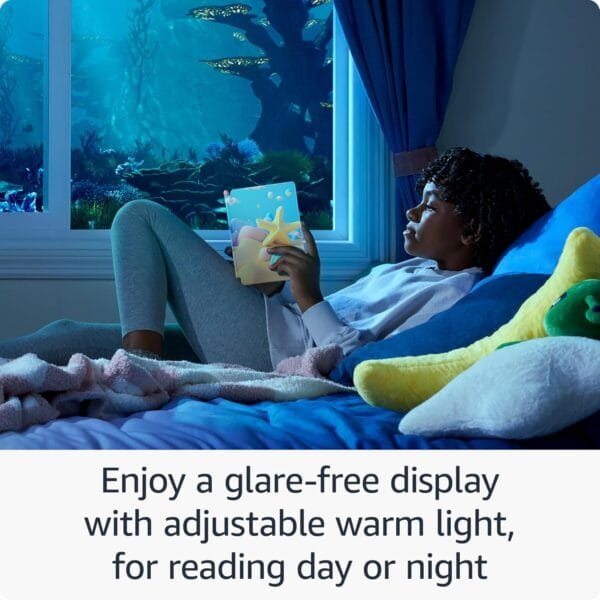
Adjust the glare-free display from white to amber lighting
to allow for comfortable reading indoors and outdoors, day
and night. Plus, set a bedtime for each child profile on the
Parent Dashboard.

Splash-proof protection
The thin, waterproof design goes wherever kids go. Read by the pool, on the beach, and anywhere in between.

Peace of mind for parents
Parents are always in charge — even from a distance. With our easy-to-use app, parents can set time limits, educational goals, and manage content for up to 4 child profiles.
Frequently Asked Questions
1: What is the Parent Dashboard?
Parent Dashboard allows parents to get the most out of Kindle Paperwhite Kids. Access parental controls to review your child’s reading activity, see specific titles to learn more
about what books your child is enjoying, adjust age filters, and more. Download the app here.
2: What books are available with Amazon Kids+?
Amazon Kids+ includes the complete Harry Potter series, and the first book from other popular
series such as Artemis Fowl. We are always adding more content to the Amazon Kids+ library, including top titles and recently added books. Kids can explore the catalog by searching
for specific titles and authors, or browse by themes such as Popular Books, New Books, and more.
3: How can I access even more books?
Amazon Kids+ provides access to books over a range of reading levels, and automatically filters out what your child sees based on their age. To see a wider selection of titles, go to Parent Dashboard to adjust the age filter in your child's profile setting. Parents can also purchase additional titles from the Kindle Store, and add them to their child's profile via Parent Dashboard.
4. How is Kindle Paperwhite Kids different from
a tablet?
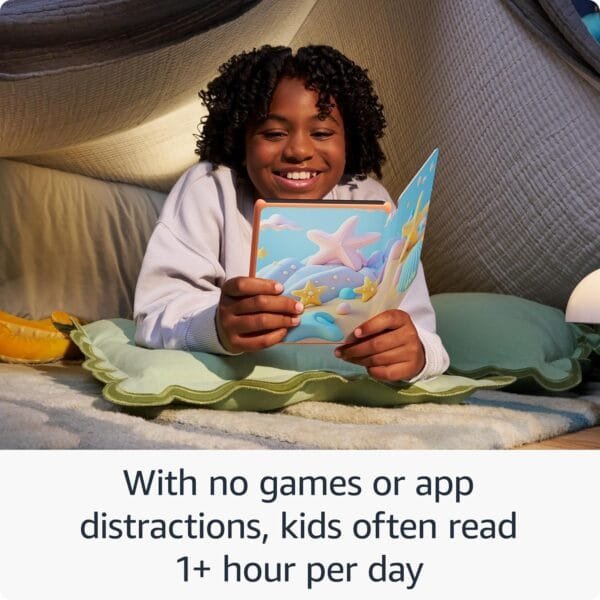
Kindle Paperwhite Kids is purpose-built for reading, with a black and white glare-free display and up to 12 weeks of battery life. It performs differently than a tablet, because it's geared for reading books – no games, no ads, no videos, no distractions.
5: Will my kid see ads while using this device and how does the experience change once a user exits the kids’ profile?
This device is automatically set up for your kid to enjoy an ad-free experience. However, if you exit Amazon Kids using a passcode, sponsored screensavers will be displayed on the device's lock screen, the user will gain access to web browser, and the entire Kindle store for browsing and purchasing.



ibrahim nilmal (Verified Purchase) –